Connect with prospects and engage customers powerfully with HubSpot’s full stack of software for marketing, sales, and customer service.

Knowledge Management,
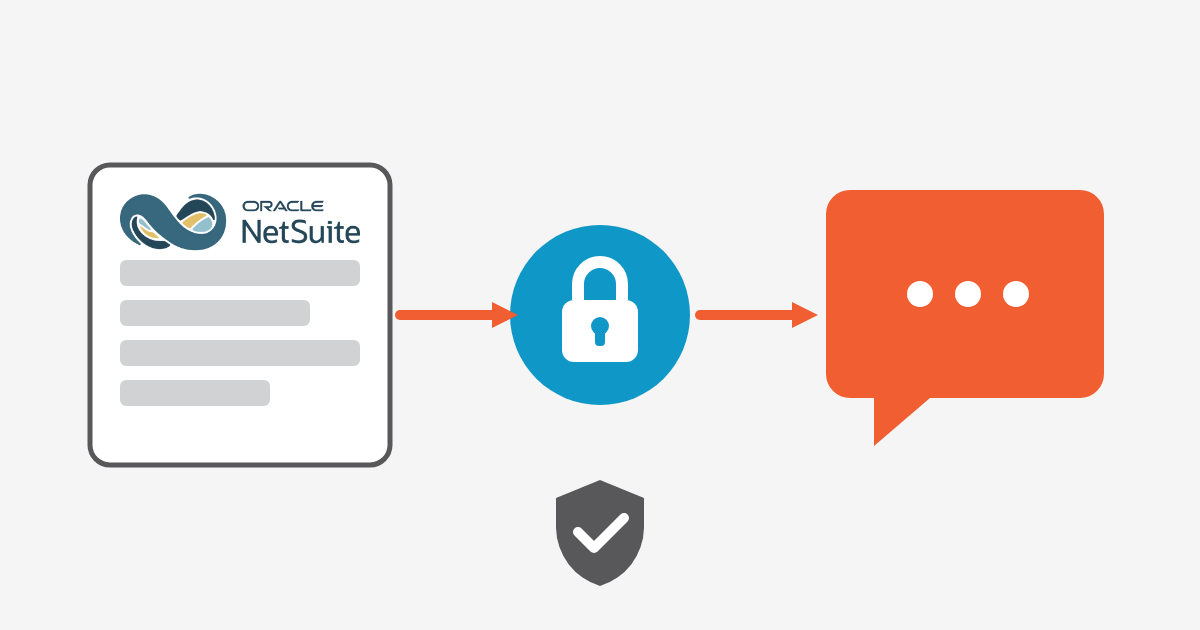
How the NetSuite AI Connector Service and MCP let you connect an AI client to NetSuite securely, with dedicated roles, OAuth 2.0 and activit
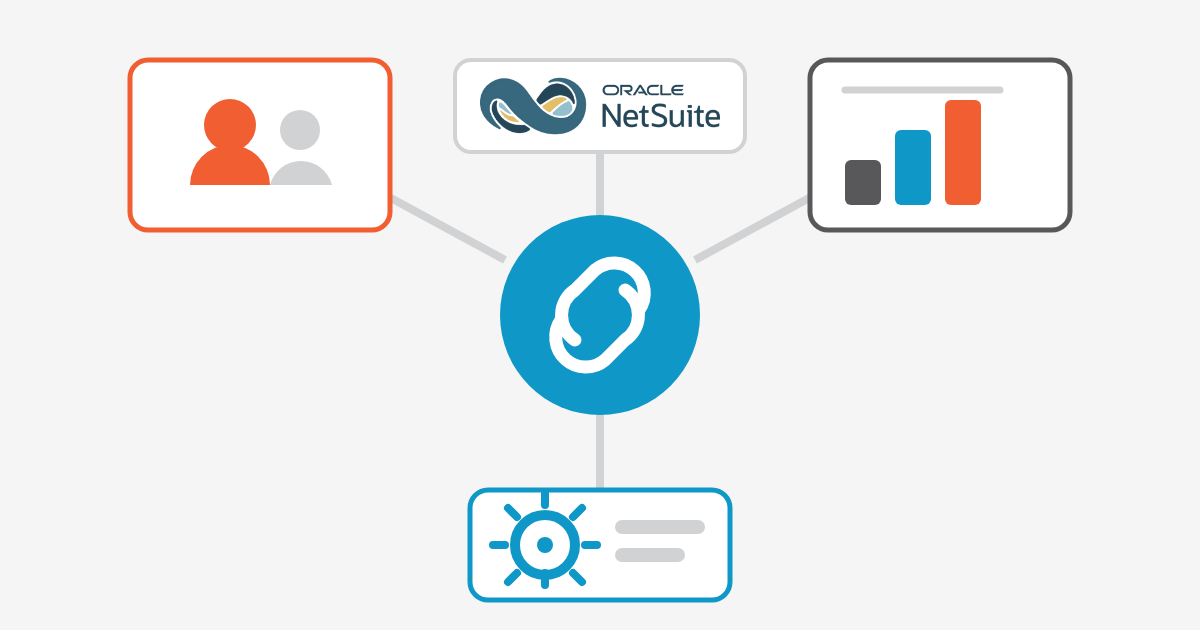
Discover how NetSuite CRM integration connects sales, finance, and operations, improves customer data synchronization, and reduces data silo
Use this NetSuite go-live checklist to test data, workflows, integrations, users, reporting, and support before and after your ERP launch.
Explore Business Central Pricing 2026, licensing options, implementation costs, total cost of ownership, and budgeting tips for a successful
Outgrowing QuickBooks Online? See how Sage Intacct handles multi-entity, reporting, and automation and when it's time to switch.
Discover NetSuite CRM features, implementation best practices, and integration tips to help sales teams close deals faster and improve custo
NetSuite multi-entity consolidation, explained for global finance teams. Learn how to close faster across subsidiaries, currencies, and enti
See how Microsoft Dynamics 365 Business Central works, what it costs, and how a Microsoft Dynamics 365 partner can guide your 2026 implement
HubSpot Customer Relationship Management is a cloud-based solution that centralizes sales, marketing, and customer service data in one place. Customer relationship management in HubSpot gives businesses a complete view of their leads, prospects, and clients to build stronger relationships and drive growth.
Yes, HubSpot is widely recognized as one of the best free CRM software platforms. It offers essential features like contact management, deal tracking, email integration, and reporting dashboards, all without upfront costs, making it ideal for startups and growing businesses.
HubSpot CRM management can be extended with add-ons and integrations for contract management in HubSpot. Teams can store client contracts, track renewal dates, and automate reminders, making it a strong choice for businesses seeking the best client management software.
HubSpot cloud integrations allow seamless connections with third-party platforms. For example, HubSpot BigQuery integration helps analyze CRM data at scale, while Sage Intacct HubSpot integration connects finance and customer data for better business insights.
HubSpot Company Insights is a built-in tool that enriches your database by automatically pulling company details such as industry, size, and revenue. This feature helps sales teams personalize outreach and improve database management in HubSpot.
While HubSpot CRM is not a dedicated field service tool, HubSpot field service needs can be met through integrations with specialized apps. This allows businesses to manage work orders, service requests, and customer scheduling directly within HubSpot.
Yes, HubSpot CRM supports time tracking through integrations and custom workflows. Combined with task management tools, it helps teams monitor billable hours, track projects, and streamline resource allocation.
A HubSpot CRM consultant helps businesses implement, customize, and optimize HubSpot CRM for sales, marketing, and customer service. Consultants guide database setup, automation, and reporting to ensure maximum ROI from HubSpot software.
HubSpot Journey Builder allows businesses to design personalized customer journeys through automated workflows. For internal collaboration, HubSpot intranet integrations can centralize communication and knowledge sharing across teams.
The HubSpot CRM wiki and knowledge base provide comprehensive documentation, tutorials, and best practices. Users can also download HubSpot software resources and access community support to enhance their CRM experience.