Discover the benefits of CRM and ERP integration with our ultimate guide. Learn key strategies, best practices, and steps for a smooth and successful implementation.
Are your sales and finance teams working in disconnected silos? Juggling spreadsheets and dealing with conflicting data is more than just frustrating; it’s costing your business growth.
Most businesses rely on powerful tools for Customer Relationship Management (CRM) and Enterprise Resource Planning (ERP). But their true power is unleashed only when they work together. A lack of connection between these systems creates friction, slows down your teams, and ultimately impacts your customer experience.
This guide will walk you through the transformative benefits of CRM-ERP integration. We’ll provide a strategic roadmap for implementation and explain how to leverage specific platforms, such as Oracle NetSuite and Microsoft Dynamics 365 Business Central, to create a seamless flow of information across your entire organisation.
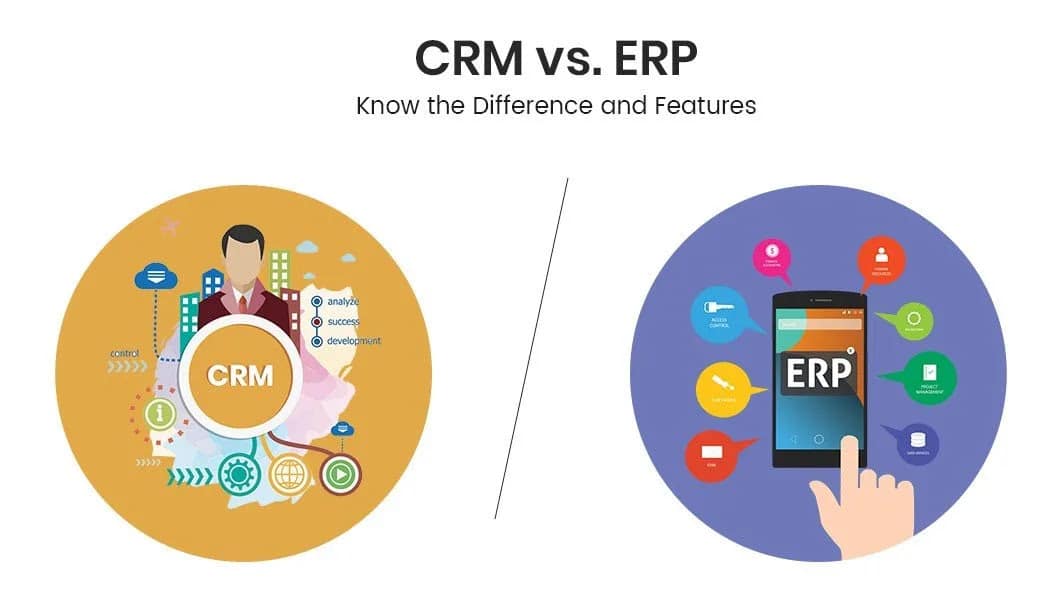
Before we connect these two powerhouses, let’s quickly define what each one does. Think of them as the two most important departments in your business headquarters: one manages all your external relationships, and the other runs all your internal operations.
A CRM is your front-office system. Its main job is to manage every interaction your company has with customers and potential customers. It’s where your sales and marketing teams live.CRMs help you:
Popular CRM platforms include Salesforce, HubSpot, and Zoho CRM. They are experts at managing the customer journey.
An ERP is your back-office engine. It manages all the core business processes needed to run your company. This is the domain of your finance, operations, and human resources teams.ERPs handle critical functions like:
Key players in the ERP space include SAP S/4HANA, Oracle NetSuite, and Sage Intacct. These systems are the backbone of your daily operations.
When your CRM and ERP are separate, your front office can’t easily see what the back office is doing, and vice versa. This creates frustrating information gaps.Integrating them bridges this gap. It creates a single source of truth, where data flows automatically between the two systems. This gives everyone in your company a complete, up-to-the-minute view of your business and your customers.
So, what happens when you finally connect these systems? The results are more than just convenient—they can fundamentally change how your business operates. Here are the top seven benefits you can expect.
With integration, your sales team can see a customer’s entire history—including their orders, payments, and support tickets—right within the CRM. This Customer 360 view means they can have smarter conversations and provide better service because they have all the facts.
Tired of manually entering the same data into different systems? Integration automates this workflow. When a salesperson closes a deal in the CRM, the information automatically creates a sales order and invoice in the ERP. This Business Process Automation of the Lead-to-Cash cycle eliminates redundant work and drastically reduces human error.
Accurate Sales Forecasting depends on good data. When your CRM is connected to your ERP, forecasts become much more reliable because they are based on real-time financial and sales data. Your Financial Management team also wins, gaining clear visibility into the sales pipeline and future revenue.
Nothing hurts sales like an unexpected stockout. Integration gives your Inventory Management system a direct line of sight into your sales pipeline. Your ERP can see what deals are likely to close and adjust inventory levels accordingly, ensuring you have the right products on hand to meet demand. This is a core principle of modern Supply Chain Management.
Imagine a customer calls with a question about an invoice or order status. Instead of putting them on hold to check another system, your support rep can see all the ERP data right in the CRM. They can answer questions instantly, leading to happier customers and higher satisfaction rates.
When sales, finance, and operations all work from the same data, they stop being disconnected departments and start being a unified team. This shared understanding fosters better collaboration, aligns goals, and ensures everyone is pushing in the same direction.
According to research firms like Gartner and Forrester Research, data-driven companies consistently outperform their competitors. With integrated systems, you can generate consolidated reports that provide a holistic view of your business performance. This allows you to spot trends and make smarter, more strategic decisions.
Also Read: Top 4 Process Improvements with NetSuite AP Automation
Ready to get started? A successful integration project requires a clear plan. At BigBang, we guide our clients through a proven strategic roadmap.
First, look at the systems you have now. Are they on-premise or in the cloud? Can they support modern API connections? Consider your future goals. Is a platform like Microsoft Dynamics 365 Business Central robust enough for your financial needs as you grow? Answering these questions is the critical first step.
You don’t need to sync every piece of data. Decide what information is most important to share between the systems. Will data flow one way (e.g., from CRM to ERP) or both ways? This is also the time to think about Master Data Management, deciding which system will be the primary source for key data like customer records.
You have a few options for connecting your systems:
One of the most powerful options is leveraging a unified platform. An environment like Oracle NetSuite includes both ERP and CRM functionality out of the box. A native NetSuite CRM Integration ensures seamless data flow because the systems were designed from the ground up to work together, eliminating many of the typical integration headaches.
Also Read: The Future of ERP: How Artificial Intelligence Is Redefining Business Processes
While it may seem straightforward, a CRM-ERP integration is a complex project with many potential pitfalls. An experienced consultant is not just a cost; it’s an investment in getting the project done right.
Platforms like Dynamics 365 Business Central are incredibly powerful, but their flexibility also adds complexity. An expert knows the specific data structures and API limitations. A firm providing Dynamics Business Central consulting services ensures your integration is built correctly, securely, and in a way that supports your unique business processes.
Hiring a NetSuite ERP implementation consultant helps you avoid costly mistakes and delays. They bring best practices from hundreds of previous projects, ensuring you not only connect your systems but also optimise your workflows to maximise your return on investment. They make sure the project stays on time and on budget.
When choosing a partner, look for a team with:
Integrating your CRM and ERP is about more than just technology. It’s about creating a more efficient, collaborative, and customer-focused organisation. The core benefits—a single source of truth, game-changing efficiency, and a superior customer experience—are undeniable.In today’s competitive world, this kind of integration is no longer an optional upgrade. It’s a foundational element of a modern business poised for growth.Ready to break down your data silos and unlock these benefits? Contact our expert CRM and ERP integration consultants at Big Bang today for a personalised assessment of your NetSuite or Dynamics 365 environment.
Get a free assessment from our cloud experts and map out your roadmap.
Get my free assessment